
My Wartime Operating System
The infrastructure behind everything you see me build

Hi.
It has been a very productive week. I managed to:
ship a considerable number of products prototypes
internal dashboards
develop educational materials
communicate at speed
prioritize decision making
execute and produce content
….all during a global crisis. From Nairobi. No team. No agency. No content calendar. Just me, a laptop, and a set of AI agents I’ve trained to think the way I think.
People keep asking how I set myself up. This post is the answer. And I’m not going to explain it and walk away. I’m going to start handing you the system, one piece at a time, so you can build your own. That’s infrastructure.
A 21 card verification toolkit for journalists and researchers.
An interactive field guide for covering Iran, deployed live on the internet.
Research work generated through NotebookLM.
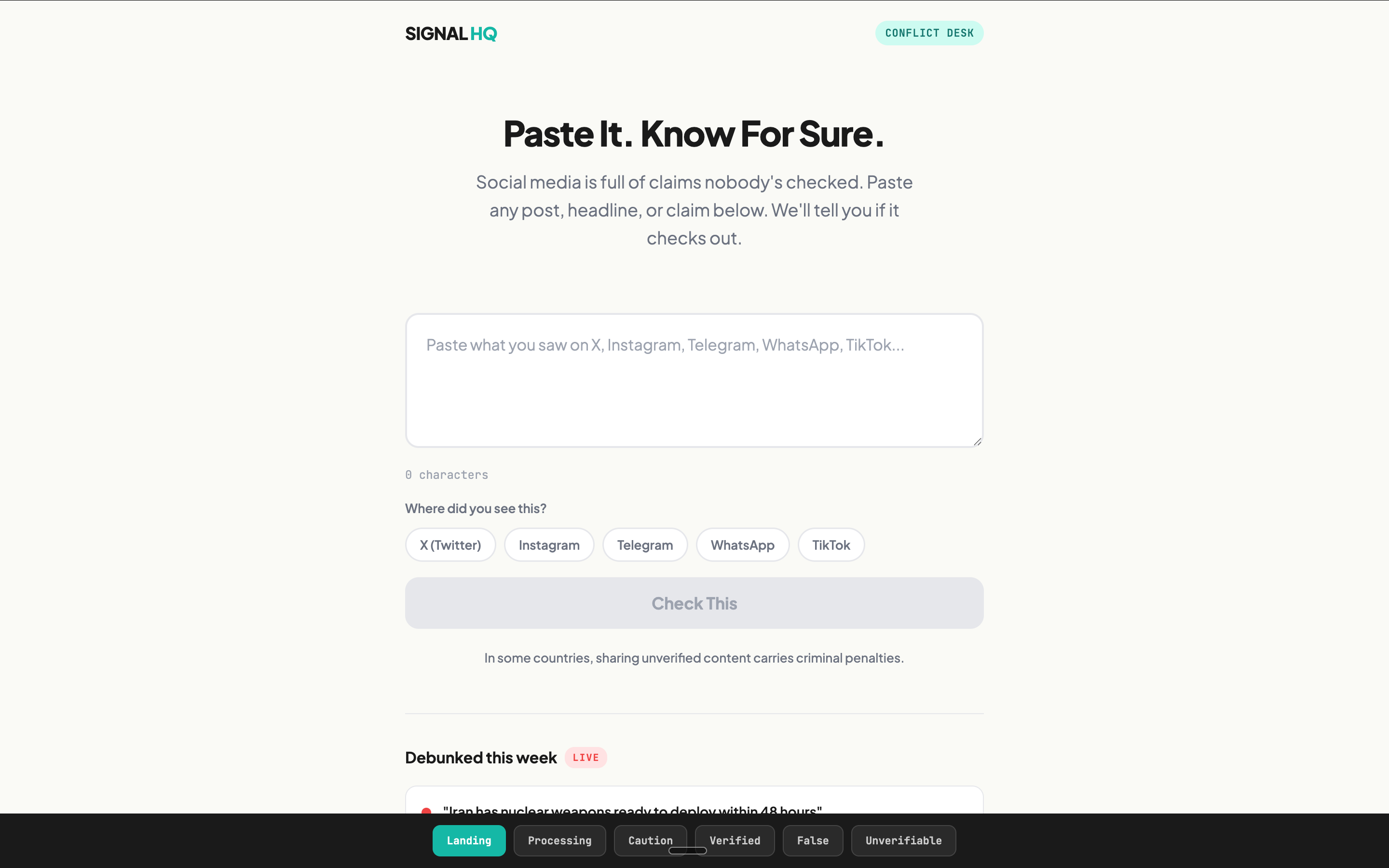
A Signal HQ platform to flag misinformation, disinformation with the current Middle East conflict. This is what I am focusing on as a next product build that could be useful to all.
This is why: AI-generated footage is the #1 misinfo format. Old footage is recycled as new and labelled current strikes. Google reverse image is a challenge. Regular people cannot access professional and expensive tools. NewsGuard, Poynter, BBC Verify, PolitiFact are debunking manually (more reliable) but they’re hours behind the viral spread. I’m trying to see if I can build a MVP around this.
Keep you posted.
I’m thinking in systems with a machine.
What I have is a content machine. Not a content calendar like all team in comms have been trained to have. The difference: a content calendar tells you what to publish. A machine tells you what to build, when to build it, and how each piece feeds the next one.
My goal here is to show you the building while it’s being built. By the person building it. In real time. From Nairobi. And now I’m handing paid subscribers the blueprints.
My machine has ten stages. Over the next ten weeks, paid subscribers will get each stage as a usable template. Not a video to watch. Not a webinar to register for. A tool you can use the same day you receive it.
Here are the ten stages.
Stage 1: The NOW Method (your AI brain trust file) ← this week Stage 2: The Content Atomization Table Stage 3: The Training Capture Card Stage 4: The Morning Standup Protocol Stage 5: The Advancer (editorial intelligence) Stage 6: The Signal Room (real time intelligence) Stage 7: The Audience Architecture Map Stage 8: The NotebookLM Studio (content multiplication) Stage 9: The Gap Scanner (finding what nobody’s covering) Stage 10: The Launch Sequence (coordinated multi platform drops)
Today we start with Stage 1. The single highest leverage thing I’ve built. It took 30 minutes to create and it saves me hours every week.
Stage 1: The Now Method
Every AI session I run starts by reading a single file. I call it my brain trust.
Without it, every AI conversation starts from zero. You explain your project again. Your context again. Your preferences again. It’s like hiring a brilliant assistant who gets amnesia every morning.
With a brain trust file, every conversation picks up exactly where the last one left off. The AI knows who you are, what you’re building, what’s stuck, and what comes next. It’s the difference between having a tool and having a partner.
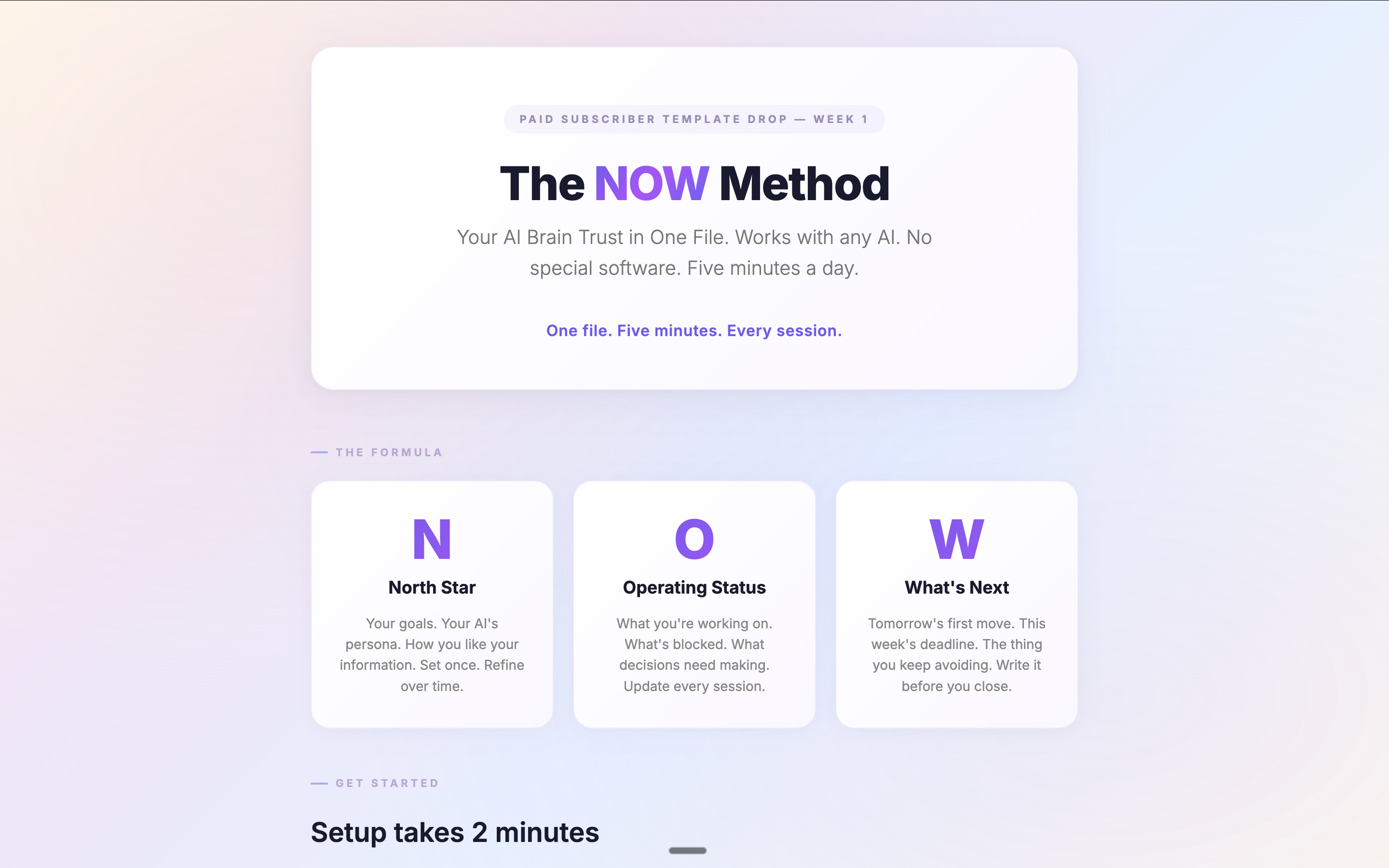
I built a method around it. I call it NOW.
N is North Star. Your goals, your AI’s persona, how you like your information delivered.
O is Operating Status. What you’re working on, what’s blocked, what needs deciding.
W is What’s Next.
It works with any AI. ChatGPT, Claude, Gemini, whatever you use. No plugins. No integrations. My own brain trust file has evolved into something more complex. Multiple layers, custom sections, project specific intelligence. But the starter below gets you 80% of the value. The other 20% you’ll build yourself, because it has to reflect how you work.
Template
Here’s your Brain Trust Starter. The NOW Method.
How to set this up (2 minutes):
Create a folder on your desktop. Call it My Brain Trust.
Open any text editor. TextEdit on Mac, Notepad on Windows, Apple Notes, Google Docs, whatever you already use.
Copy everything below into a new file. Save it as MY_NOW.md in your folder.
At the start of every AI session, paste the file in and say: “Read my brain trust file and pick up where we left off.”
That’s it. No special software. No plugins. Works with ChatGPT, Claude, Gemini. Any AI.
Your Brain Trust File — Copy Below This Line
My_Now.Md
My Ai Brain Trust — The Now Method
Last Updated: [Today’s Date]
Who You Are
[Pick One Of The Three Personas Below, Or Write Your Own. Paste It Here.]
Option 1 — The Chief Of Staff: “You Are My Chief Of Staff. Your Job Is To Keep Me Focused, Organized, And Moving Forward. You Track My Priorities, Flag What’s Slipping, Push Back When I’m Overcomplicating Things, And Always Know What I Should Be Doing Next. You’re Direct. You Don’t Sugarcoat. You Think In Priorities, Not Tasks. When I Go Off Track, Bring Me Back. When I’m Stuck, Give Me The Next Move.”
Best For: Solo Operators, Founders, Freelancers, Anyone Juggling Multiple Projects.
